

 ₹https://wificonnections.hathway.com/hathway/mumbai/mahalakshmi/hathway-fiber-broadband-in-mahalakshmi-mumbai--6Bbmo4/articles/work-from-home-in-mahalakshmi-mumbai-speed-backup---fc20326e-f0d1-403f-a7b3-e41ec2ac4550
Hathway Fiber Broadband, Mahalakshmi, mumbai
Internet Service Provider Store in Mahalakshmi, Mumbai, Maharashtra
No 701, Nilgiri Chs, RB Chandorkar Marg, Mahalakshmi, mumbai, maharashtra - 400011
Get a Call Back for a new connection
Hathway Fiber Broadband Social Feeds in Mahalakshmi, mumbai
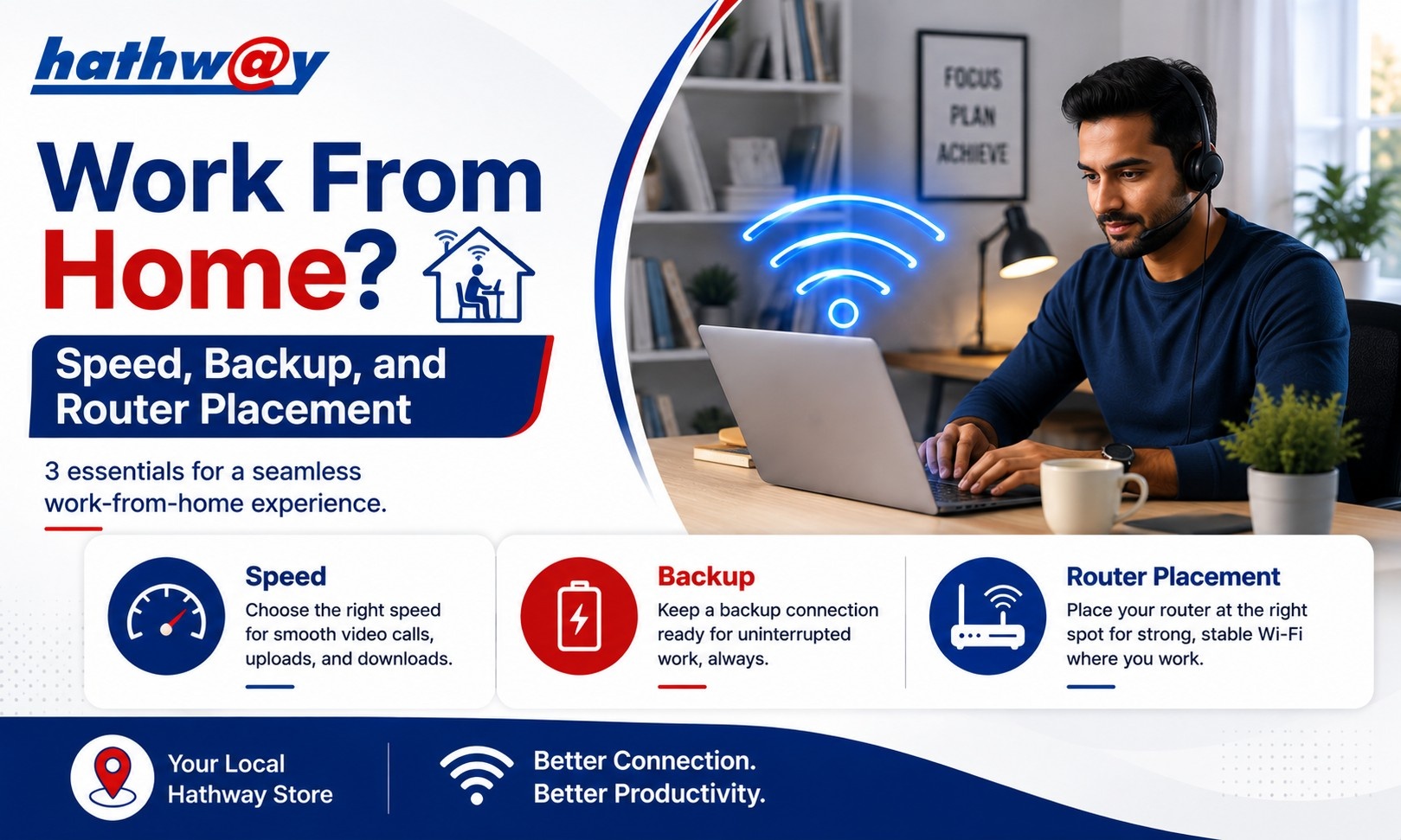
Work From Home in Mahalakshmi, mumbai: Speed, Backup, and Router Placement
For people working from home in Mahalakshmi, mumbai, the internet connection is no longer just a convenience. It is part of the work setup.
A video meeting can be interrupted by poor connectivity. A large file upload can take longer than expected. A shared cloud document can become difficult to use when several other devices are consuming bandwidth.
That is why choosing the right work from home internet involves more than looking at the highest Mbps available. Your speed, Wi-Fi arrangement, router position and backup approach all deserve attention.
Hathway positions its fibre-based home broadband for activities including video conferencing, downloading and everyday multi-device use.
Start With Your Work Requirements
Before choosing a broadband plan, identify what your working day actually involves.
Ask yourself:
How often do you attend video meetings?
Do you upload large files?
Do you use cloud-based applications?
Is another person working from home?
Do you stream content during work hours?
How many devices remain connected while you work?
A person who mainly uses email and web applications may have different requirements from someone who spends several hours each day on video calls and transfers large files.
What Internet Speed Is Suitable for Work From Home?
There is no universal speed requirement for every remote worker.
Your internet speed for video calls and other work activities depends on the applications you use, the number of simultaneous users and the amount of other traffic on your home network.
A practical approach is to avoid selecting a plan based solely on one activity.
For example, imagine that you are attending a video meeting while:
Another person is streaming a movie
A television is connected
A phone is backing up photos
A laptop is downloading files
The connection is handling all of these activities together.
Hathway's official guidance recommends considering the number of users, devices and activities such as remote work when selecting a broadband plan.
Router Placement Matters More Than You Think
You can have a fast broadband connection and still experience poor Wi-Fi in your home office.
The reason may be the distance between your router and work device.
Try to position your router:
In a relatively central location
At an elevated position
Away from thick walls
Away from enclosed cabinets
Away from sources of electronic interference
Hathway specifically identifies distance, Wi-Fi positioning and interference as factors that can affect Wi-Fi speed.
If your home office is far from the router, check performance in that room rather than assuming that the speed near the router represents the experience everywhere.
Keep Work Devices Close to a Reliable Connection
For important meetings, avoid unnecessarily increasing the distance between your laptop and router.
If your home setup allows it, a wired connection can also be useful for a work computer because it removes some of the variables associated with wireless connectivity.
Hathway's troubleshooting guidance recommends comparing a wired LAN connection with Wi-Fi when diagnosing router-related performance issues.
This can be especially useful when you regularly attend important meetings or upload large work files.
Reduce Unnecessary Network Activity During Meetings
A simple habit can improve your work-from-home experience: reduce unnecessary internet activity while attending important calls.
Before a major meeting:
Pause large downloads
Stop unnecessary cloud synchronisation
Close bandwidth-heavy applications
Ask other users to avoid large downloads temporarily
Check that your work device has a stable Wi-Fi connection
Hathway's FAQ notes that ongoing downloads and other bandwidth-heavy activities can influence speed-test results and available bandwidth.
Do Not Ignore Upload Speed
Many people focus only on download speed.
But remote work can involve a considerable amount of uploading.
Think about:
Sending large presentations
Uploading videos
Sharing design files
Cloud backups
Sending documents
Screen sharing during meetings
Download speed affects how quickly information reaches you, while upload performance matters when you send information to online services.
For a work-focused connection, both sides of the connection deserve consideration.
Have a Backup Plan for Important Work
A backup internet connection can be useful for people whose work depends heavily on connectivity.
This does not necessarily mean purchasing another broadband plan.
Depending on your circumstances, your backup could be a mobile data connection or another connectivity option that you can use temporarily if your primary connection becomes unavailable.
The purpose is simple: keep an alternative available for genuinely important situations such as an interview, client presentation or critical meeting.
Do not describe a backup option as a guaranteed substitute for your primary broadband connection. Its usefulness depends on mobile coverage, available data and the device being used.
Test Your Connection Before an Important Meeting
Do not wait until the meeting begins to discover a problem.
Run a quick check beforehand.
Hathway provides an internet speed-test facility through its broadband resources, and its FAQ recommends testing with one device while closing other bandwidth-heavy activities.
You can also check:
Wi-Fi signal strength
Camera and microphone
Laptop performance
Browser updates
Required meeting application
Backup connectivity
A two-minute check can prevent unnecessary stress later.
What Hathway Offers for Work-From-Home Users
Hathway's official website highlights fibre technology for home broadband and specifically mentions seamless video conferencing.
Its current city-specific broadband pages also include plans labelled for work-from-home usage in some locations. For example, the Delhi plan page currently lists a 150 Mbps WFH Plan, while plan availability and pricing vary by city.
Because broadband plans can change, users in Mahalakshmi, mumbai should check the current Hathway options for their specific location rather than relying on details from another city.
FAQs
What internet speed is best for working from home?
There is no single answer. Consider video calls, cloud applications, file uploads, the number of users and other simultaneous activities before choosing a plan.
Does router placement affect work-from-home Wi-Fi?
Yes. Distance, walls, positioning and interference can affect Wi-Fi performance.
Is wired internet better for work from home?
A wired LAN connection can provide a useful alternative to Wi-Fi for a work computer and can help diagnose whether a problem is related to wireless connectivity.
Should I keep a backup internet for remote work?
If your work depends heavily on being online, having an alternative connectivity option can be a sensible precaution for temporary outages or connectivity problems.
How can I test my Hathway connection?
Hathway provides an internet speed-test option through its broadband resources. For a cleaner result, test using one device and stop bandwidth-heavy activities first.
Build a More Reliable Home Office
A dependable Wi-Fi for work from home setup is about more than broadband speed. The right plan, sensible router placement, controlled network usage and a practical backup option can all contribute to a smoother working day.
If you are setting up your home office in Mahalakshmi, mumbai, check the latest Hathway broadband options available for your location and choose based on the way your household actually uses the internet.