


 ₹https://wificonnections.hathway.com/hathway/mumbai/lokgram/hathway-fiber-broadband-in-lokgram-mumbai--4N3Zln/articles/wi-fi-slow-in-the-evening-8-things-to-check-before--dd5c7a45-df2f-48a1-8409-64cd25122a42
Hathway Fiber Broadband, Lokgram, mumbai
Internet Service Provider Store in Lokgram, Mumbai, Maharashtra
Shop No 12, Himgiri, Netivali, Lokgram, mumbai, maharashtra - 421306
Get a Call Back for a new connection
Hathway Fiber Broadband Social Feeds in Lokgram, mumbai
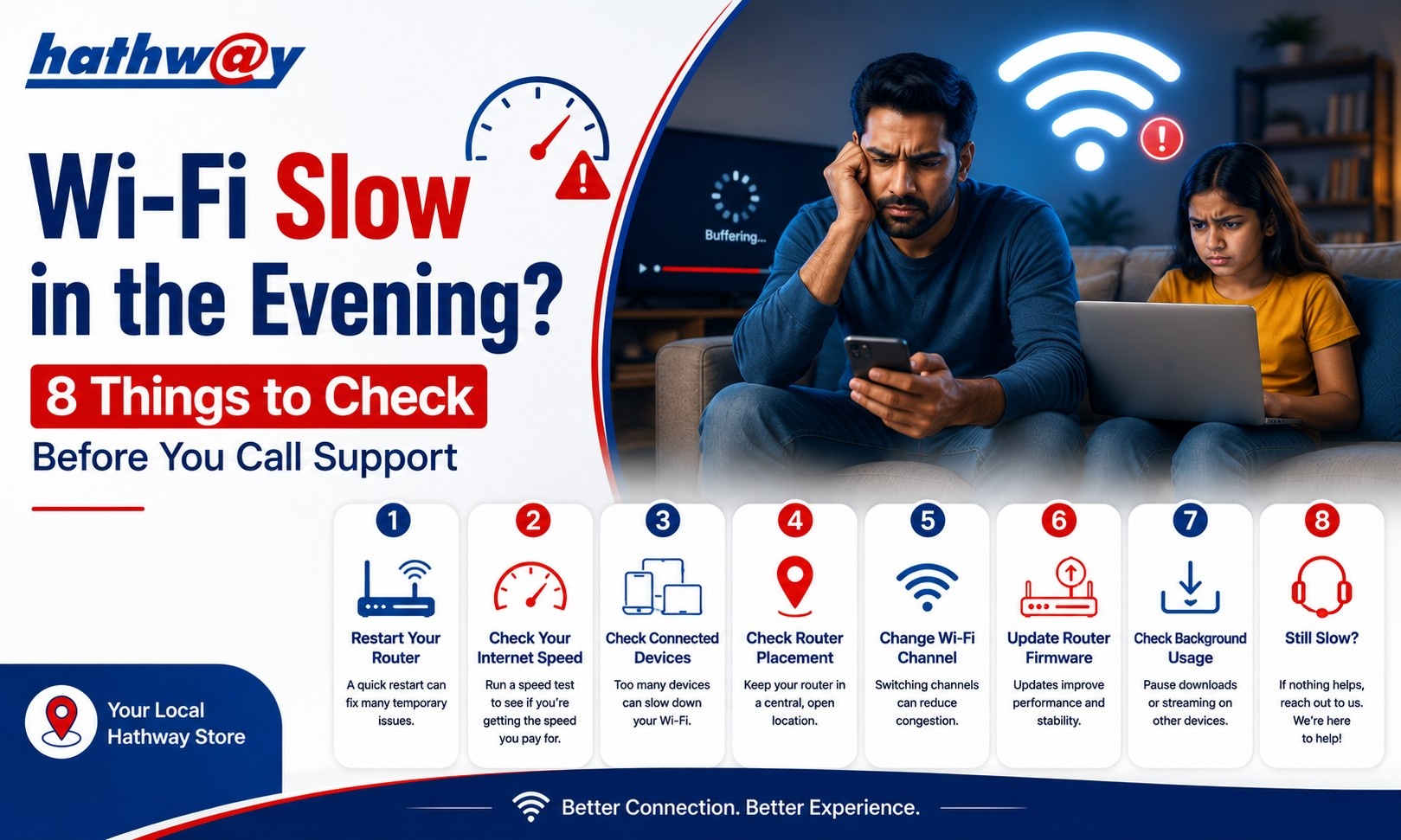
Wi-Fi Slow in the Evening? 8 Things to Check Before You Call Support
It is frustrating when the internet works normally during the day but seems noticeably slower in the evening.
The first instinct is often to blame the broadband connection. Sometimes that is the reason. But there are also several things inside your home that can affect Wi-Fi performance.
Before contacting support about Wi-Fi slow in the evening, spend a few minutes checking the basics. You may find that the problem is related to connected devices, router positioning, interference or activity on your network.
Hathway's own troubleshooting guidance recommends several of these checks before escalating a Wi-Fi performance issue.
1. Check How Many Devices Are Connected
Start with the simplest question: how many devices are using Wi-Fi right now?
Your home network may have:
Smartphones
Laptops
Smart TVs
Tablets
Gaming consoles
Streaming devices
Smart home equipment
Even when you are not actively using a device, it may be downloading updates or synchronising data in the background.
Hathway recommends checking the number of devices connected to the Wi-Fi when investigating slow performance.
If several devices are active, temporarily disconnect the ones you do not need and see whether performance improves.
2. Stop Background Downloads
A large download can quietly consume available bandwidth.
Check whether a computer, phone, gaming console or television is downloading:
Software updates
Game updates
Cloud files
Large media files
System updates
Hathway's FAQ specifically notes that ongoing downloads and bandwidth-heavy activities can affect speed-test results and recommends closing them before testing.
3. Check Your Router Position
Your router's location can have a surprisingly large effect on Wi-Fi.
If it is placed:
Inside a cupboard
Behind furniture
Near thick walls
In a corner
Far from the room where you use Wi-Fi most
the wireless signal may not perform as well as expected.
Hathway recommends checking Wi-Fi positioning and distance when troubleshooting speed issues.
A central, elevated position is generally a better starting point for distributing Wi-Fi around a home.
4. Look for Wi-Fi Interference
Wireless signals can be affected by the surrounding environment.
Walls, electronic equipment and other sources of interference can affect the Wi-Fi experience, especially when the device is far from the router.
Hathway's official troubleshooting information identifies Wi-Fi signal interference as one of the factors worth checking when speed is lower than expected.
If your connection is noticeably better when you stand close to the router, the issue may be related to wireless coverage rather than the broadband connection itself.
5. Run an Internet Speed Test
Do not rely only on how a website or video feels.
Run a proper internet speed test and compare the result with your expected connection.
Hathway provides a speed-testing option through its Selfcare resources. Its FAQ recommends testing with only one device connected and closing bandwidth-heavy activities before beginning the test.
For a useful comparison, perform the test:
On a single device
Without active downloads
From a consistent location
More than once if necessary
Remember that speed-test results can vary because they represent real-time network conditions.
6. Compare Wi-Fi With a Wired Connection
If you have access to a suitable LAN connection, comparing wired and wireless performance can help identify where the problem lies.
Hathway's troubleshooting blog recommends connecting a laptop directly through a LAN cable and testing the internet speed. If the wired result is as expected while Wi-Fi remains slow, the router or wireless environment may be the area to investigate.
This simple comparison can prevent you from assuming that the broadband connection itself is always at fault.
7. Check the Device, Not Just the Internet
Sometimes the network is fine and the device is the problem.
An older laptop, overloaded computer, outdated software or background processes can make websites and applications feel slow.
Hathway's troubleshooting resources also recommend checking the health of your PC or laptop when investigating Wi-Fi performance.
Try the same website or service on another device. If one device is slow while others work normally, investigate that device before changing your broadband plan.
8. Restart the Router and Recheck
A basic restart can be worth trying when troubleshooting a temporary connection issue.
After restarting, wait for the router to reconnect fully before testing again.
Do not immediately press the factory reset button unless you understand what it does. A restart and a factory reset are not the same thing.
If the problem continues across multiple devices and testing indicates that the connection itself is affected, it may be time to contact your broadband provider.
Why Does Wi-Fi Sometimes Feel Worse in the Evening?
Evening is when many households are active at the same time.
People may be:
Streaming videos
Playing online games
Joining calls
Downloading files
Using smart TVs
Browsing on several phones
That means your home network can become much busier than it is during working hours.
Before concluding that your provider is experiencing an issue, check your own network conditions first.
When Should You Contact Support?
Contact support if:
The connection remains slow across multiple devices
Speed tests consistently show unexpectedly low results
A wired test also shows poor performance
Restarting does not resolve the issue
The problem continues despite checking devices and Wi-Fi conditions
Hathway provides broadband customer support and troubleshooting resources through its website.
FAQs
Why is my Wi-Fi slow at night?
Several factors can contribute, including increased household usage, multiple connected devices, background downloads, interference and router positioning.
Why is Wi-Fi slow even though my plan is fast?
Advertised broadband speed and actual Wi-Fi performance are not always the same. Router placement, distance, interference, connected devices and device capability can affect your experience.
Should I restart my router when Wi-Fi is slow?
Restarting can be a useful basic troubleshooting step. If the problem continues, investigate the other factors above.
How can I check my Hathway internet speed?
Hathway provides a speed-test option through its broadband Selfcare resources. Its FAQ recommends testing with a single device and stopping bandwidth-heavy activities first.
Fix the Basics Before Calling Support
When Wi-Fi is slow in the evening, do not immediately assume that your broadband plan is the problem. Check connected devices, downloads, router placement, interference and device performance first.
If the issue remains after these checks, use Hathway's available troubleshooting and customer-support resources to investigate the connection further.